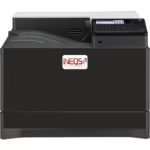
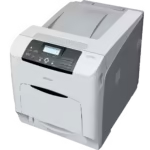
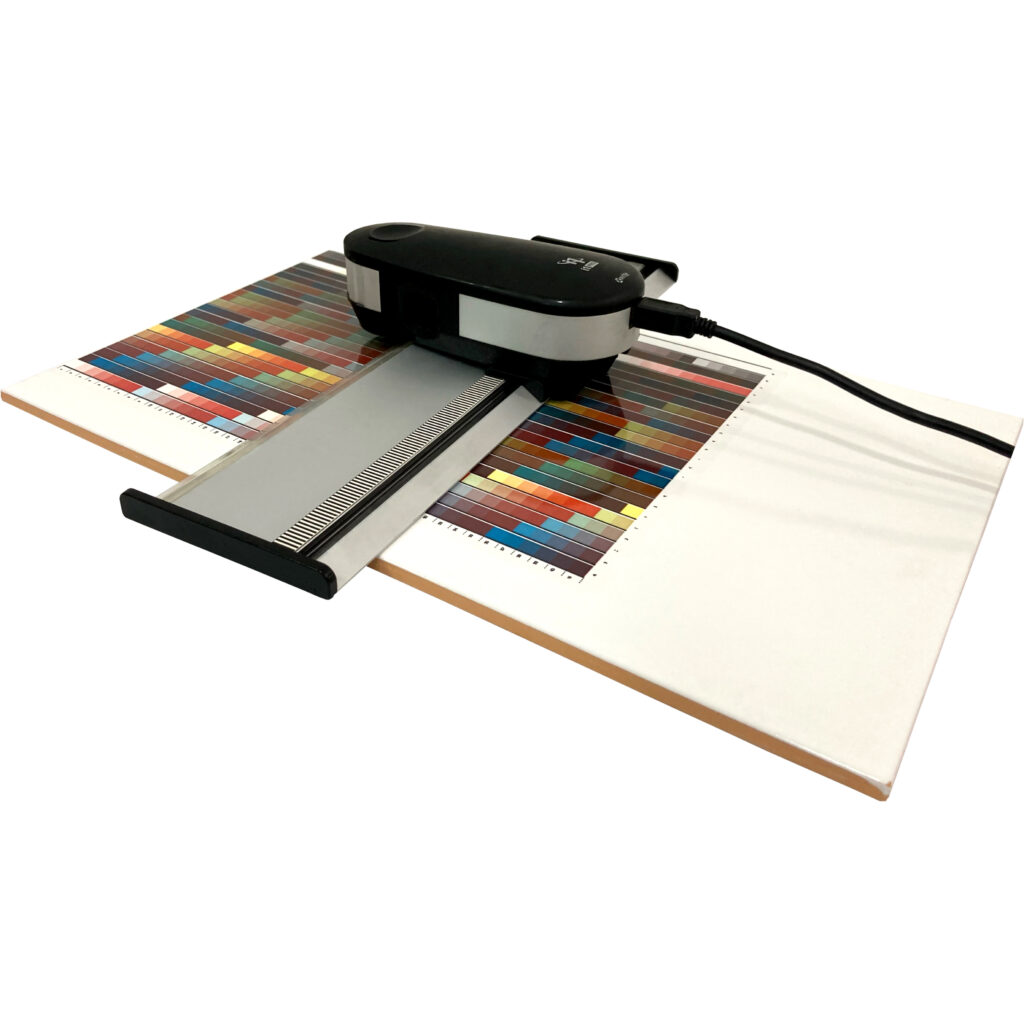
Individual ICC profiles for your printer, your toner, your paper and your kiln, so the colour on screen is the colour that comes out of the firing.
Accurate colour is the hardest part of digital ceramic printing. Colours change during firing, so a standard printer profile cannot predict the final result. INEQS builds custom ICC profiles for your ceramic printer, toner system, decal paper and firing process.
Why a custom profile
Every ceramic printing system is different. Printer model, toner set, decal paper, firing temperature and substrate all move the final colour. Without a profile built for that exact combination, colour matching is trial and error, paid for in test prints and test firings.
What it changes
- More accurate colours after firing
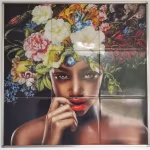
- Better reproduction of photographs and portraits
- Improved skin tones and grey balance
- Consistent results from run to run
- Less test printing and test firing
- Lower material waste
- Faster setup of a new system
What the service covers
- Creation of individual ICC profiles
- Colour management adjustment
- Monitor, printer and system calibration
- Workflow optimisation
- Colour management training
- Production process support
Training comes with it
Making the profile is half the job. We also show your team how to apply colour management in daily production, because a profile nobody uses correctly changes nothing.
Built for
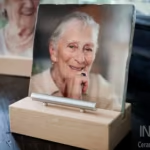
- Photo ceramics and memorial portraits
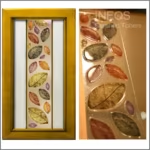
- Porcelain decoration and tableware
- Glass decoration
- Industrial ceramic printing
Profiles work hardest alongside INEQS RIP Software, which applies them across printers and jobs automatically.
How a ceramic ICC profile is made
- A test chart is printed on your printer with your toner set and decal paper
- The chart is applied to your ware and fired with your curve, because firing changes the colour
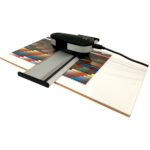
- The fired patches are measured and the profile is calculated from those measurements
- The profile is installed in your RIP or design software and checked against a real job
When to re-profile
A profile describes one combination of printer, toner set, paper, ware and firing. Build a new one when any of those change: a new toner family, a different decal paper, a new glaze or supplier of blanks, or a different firing curve. After a developer change, check colour against a reference print; if it has moved, a profile update brings it back.
Using the profile every day
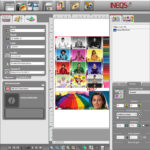
Soft proof in Photoshop or the INEQS RIP to see the fired result on screen before printing, keep the monitor calibrated, and print from the same settings every time. That routine, taught during setup, is what keeps the hundredth firing matching the first.