


Ceramic printers
-
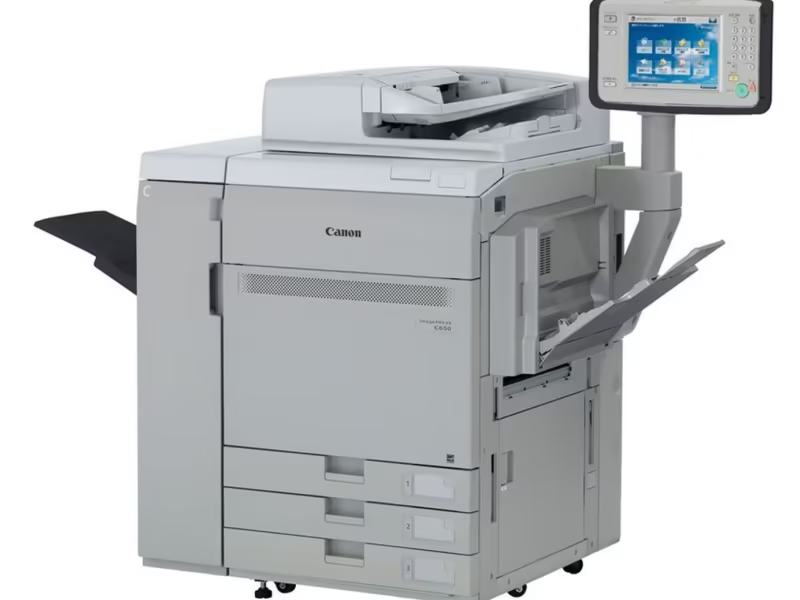
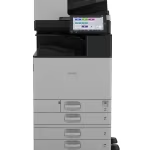
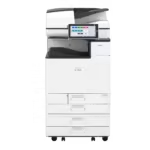
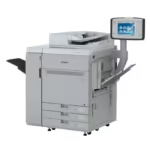
Canon ImagesPress C165/265 ceramic decal printer (SRA3)
High-Performance Digital Ceramic Printers for Maximum Productivity
-
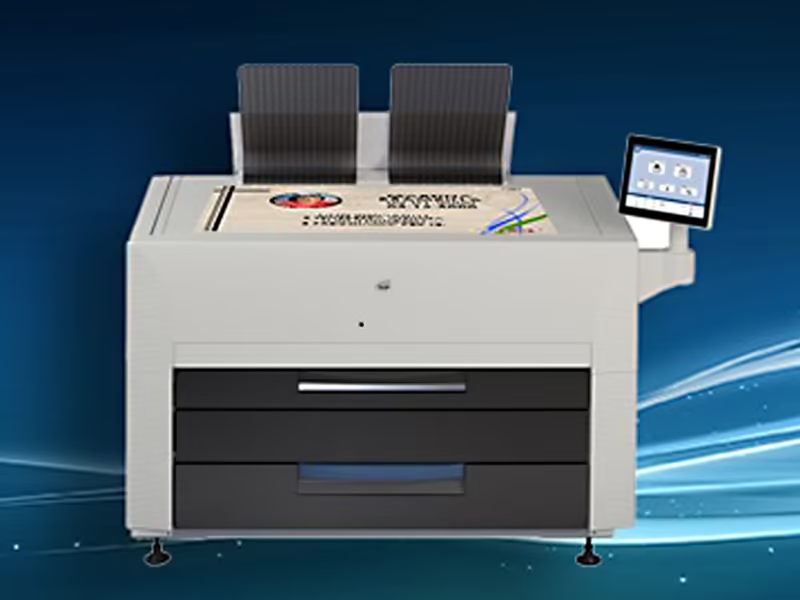
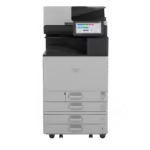
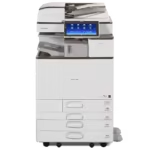
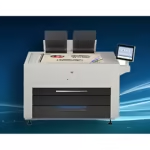
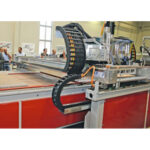
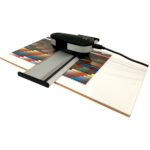
KIP Wide format ceramic decal printer (A0)
Wide Format Ceramic Decal Printer for Large-Scale Production
-
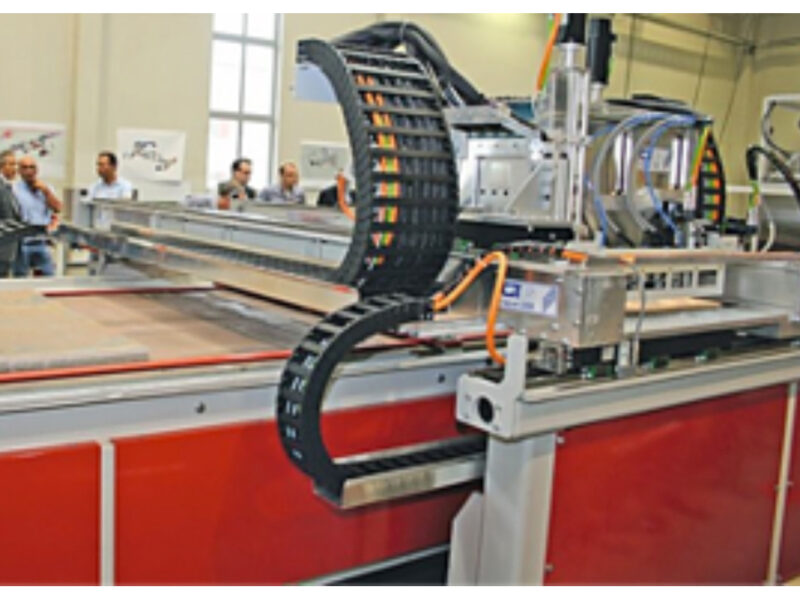
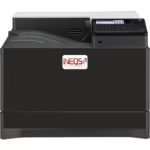
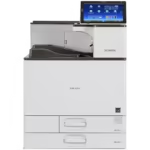
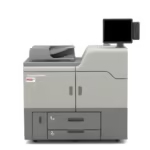
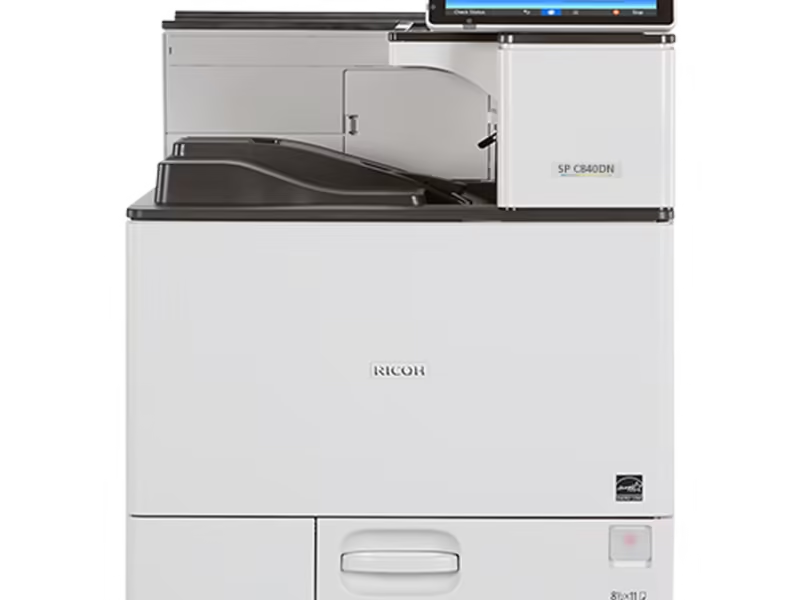
Industrial direct-to-ceramic printers
Inkjet systems that print straight onto tiles and flat ceramic, developed by INEQS for production lines that skip…
-
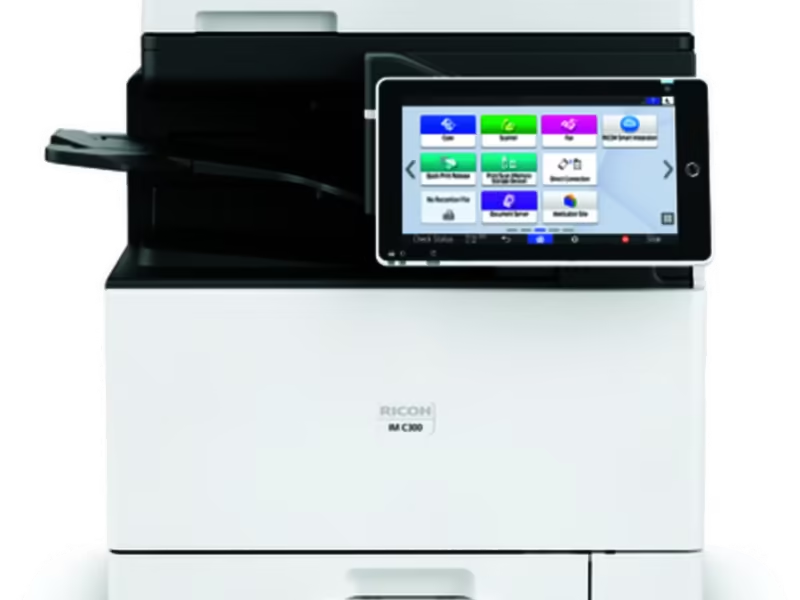
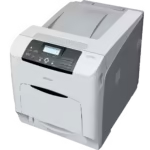
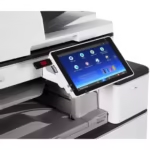
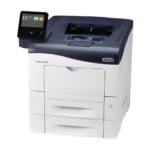
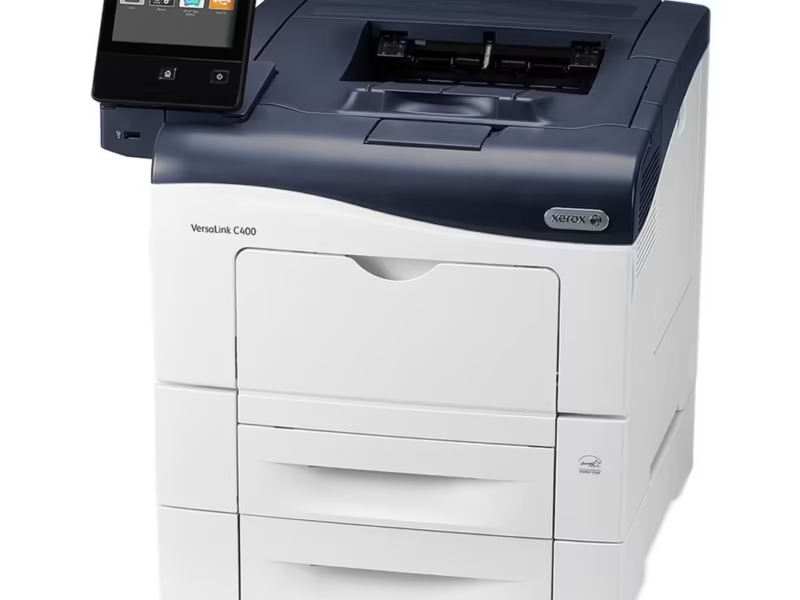
IM C401 ceramic decal printer
Compact A4 colour laser printer converted by INEQS for ceramic toner. The printer most studios, photo ceramic businesses…


How to choose a ceramic decal printer
Every printer in this range is a digital colour laser printer converted by INEQS to run ceramic toner, then calibrated in Weinsheim before it ships. It prints waterslide ceramic decals: the design is printed on decal paper, a covercoat carries it onto the surface, and the kiln fuses the pigment into the glaze. Fired correctly, the decoration is dishwasher safe, food safe on a suitable substrate, and lasts as long as the piece itself. Three questions decide which decal printer fits your work.
1. What is the largest decal you print?
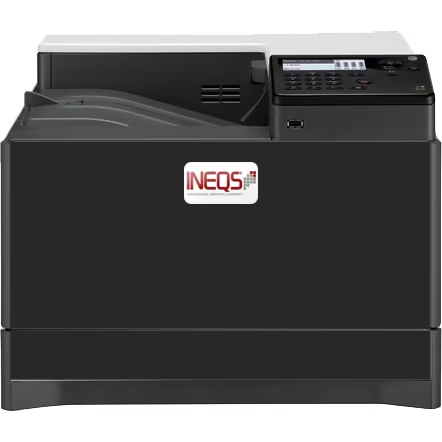
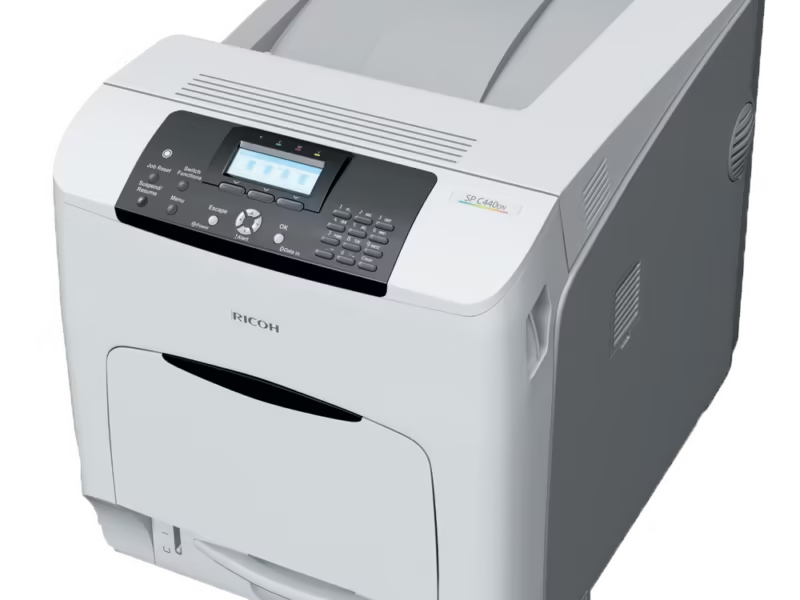
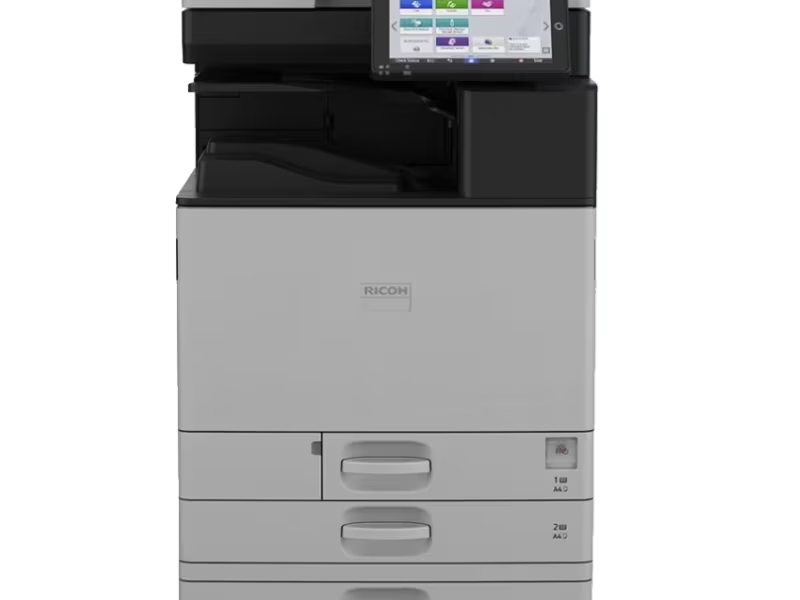
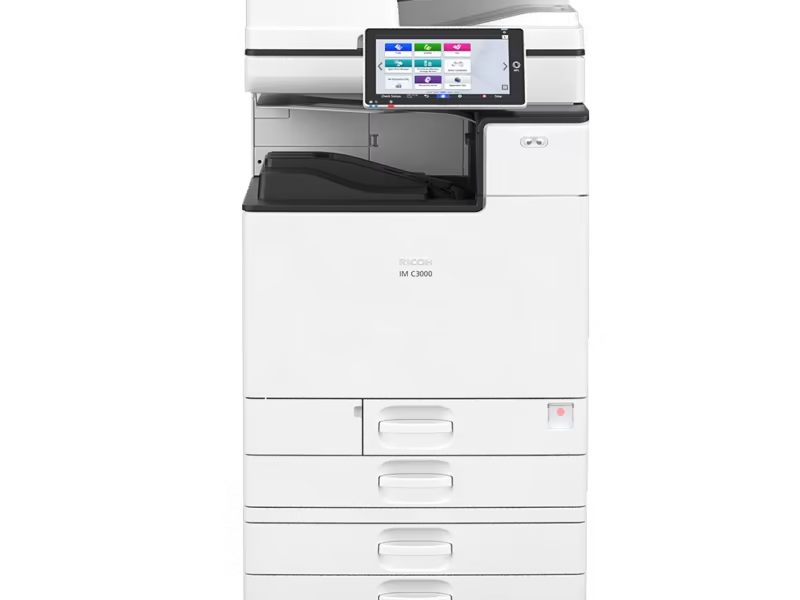
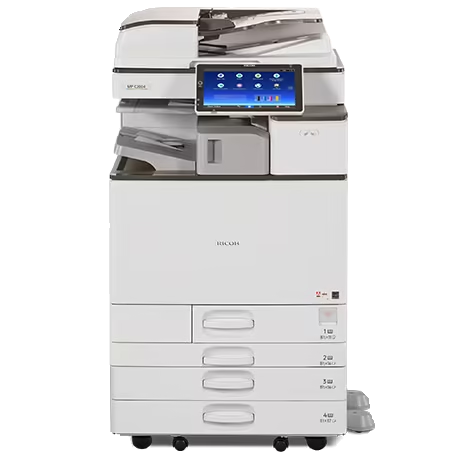
Format sets the class of printer. A4 desktop printers such as the CeramPrint CP-500, the Ricoh SP C440 and the IM C401 print up to 287 x 200 mm: cups, plaques, small tiles and memorial portraits. A3 and SRA3 printers, from the Ricoh IM C2010 to the CeramPrint CP-1000-6, print up to 470 x 305 mm on SRA3, enough for chargers, tile murals printed in sections and nested sheets of small decals. The CP-1000-4 can also take extra long sheets up to 305 x 1,000 mm. For panels, large murals and architectural glass, the wide format A0 printer prints up to 900 x 1,000 mm on A0 decal paper.
2. How many sheets do you print a month?
An A4 desktop printer is right for up to a few hundred sheets a month and suits studios, potters and photo ceramic businesses starting out. Daily production wants an SRA3 engine with bigger developer units, larger paper trays and a duty cycle to match; the CP-1000-4 is built for up to 500 sheets a day. If you print decals for other people, buy the format one size above what you need today.
3. What will you fire the decals on?
The printer does not care which toner it runs, because the developer units are swapped per toner family. Unfluxed ceramic toner fires in-glaze on porcelain, stoneware and glazed tile at high temperatures; fluxed toner fires lower on onglaze porcelain and enamel; glass toner is matched to float and borosilicate glass. Fluxed toner coated with lacquer only fires to a softer, less glossy finish with no visible decal edge, while a fluxed covercoat gives a glossy finish. In production, plan one toner family per printer: switching sets means a developer change and a new colour profile.
What comes with every INEQS ceramic printer
- Conversion of the fuser and paper path for ceramic toner and decal paper
- Calibration and an INEQS colour profile loaded before delivery
- A starter toner set and a decal paper sample
- A remote setup session and ICC profiles for your paper
- Technical service Monday to Friday, 08:00 to 17:00 CET, with over 80% of problems solved within one working day
Why a converted laser printer, not an inkjet
Ceramic decals are printed with dry ceramic toner, not ink. The toner carries inorganic pigment in a resin carrier, so it never dries in a print head and prints 1,200 dpi detail, fine enough for text, halftones and skin tones. An ordinary laser printer cannot do this job: the pigments in standard colour toner are organic and burn away in the kiln, and its fuser is not set up for decal paper. That is why INEQS converts the printer and makes the ceramic toner itself, so one team answers for the whole process from file to fired piece. For printing straight onto flat tile at line speed without a decal, see industrial direct-to-ceramic printers.
Silkscreen printing is still the cheapest route for long runs of one identical design. A digital decal printer wins on custom ceramic designs, photographs, personalised pieces and short runs, because there are no screens, films or setup costs.
Can I print my own ceramic decals?
Yes. A converted ceramic decal printer, INEQS toner, decal paper, covercoat and a programmable kiln are all you need, and most studios are producing saleable decals in the first week. No previous experience is required: INEQS provides training, technical support and a firing curve for every toner set, and will print and fire a test from your own file first.
What does a ceramic decal printer cost?
Price depends on the model, the format, the toner configuration and whether the printer is new, refurbished or used, so INEQS quotes per configuration rather than publishing a list that would be wrong for most buyers. Tell us your substrate, format and monthly volume and you get a recommendation, a firm price and a fired sample. Not ready to buy? The ceramic decal printing service runs the same toner and profiles from one A4 sheet, and most customers who later buy a printer started there.