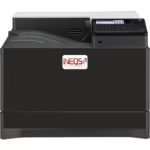
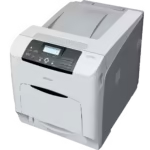
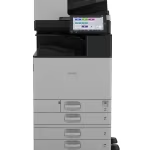
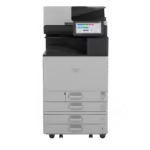
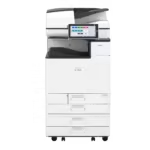
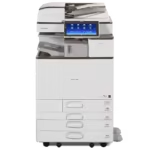
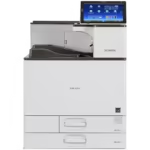
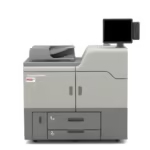
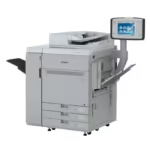
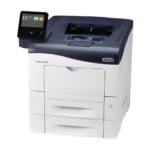
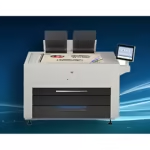




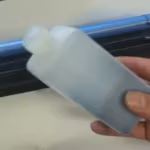

INEQS Developers are specifically selected and tested for use with ceramic toner systems and compatible digital ceramic printers.
Using the correct developer is essential for maintaining print quality, colour consistency and reliable toner transfer. Proper developer performance helps ensure stable production results and maximizes the service life of the printing system.
Available Developers
INEQS supplies developers for a wide range of ceramic printing systems, including selected models from:
- Ricoh
- Canon
- Konica Minolta
- Xerox
- INEQS Ceramic Printers
Please refer to the product specifications below for compatibility details.
Applications
- Ceramic Decal Production
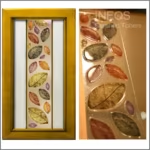
- Photo Ceramics
- Porcelain Decoration
- Glass Decoration
- Enamel Decoration
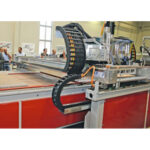
- Industrial Ceramic Printing
Designed for professional ceramic printing environments where consistent print quality and reliable production are essential.
What the developer does
In a colour laser printer the developer carries the toner from the cartridge to the drum and gives it the electrical charge that places it on the page. Ceramic toner carries inorganic pigment and behaves differently from office toner, so the developer has to match it. The wrong developer, or a worn one, shows up as weak density, background fog and colour that drifts from one run to the next.
When to change it
Developer wears with use, and how fast depends on your print volume and the printer room. Typical signs that a change is due:
- Print density drops and colours look washed after firing
- A grey haze or fog appears in areas that should be clean
- Colour shifts between the first and last sheets of a run
Before blaming the developer, check the room: 20 to 25 °C and 40 to 60% relative humidity. Dry winter air is the most common cause of a sudden density drop. See printer room conditions.
Video guides: changing the developer
INEQS customers can watch the developer change step by step for each printer we supply, from the Ricoh SP C440 to the IM C3010. See the developer videos. Each video asks for the password you received from INEQS.